An organized website ensures visitors can navigate effortlessly, find information quickly, and engage with your content seamlessly. Among the many tools available to improve organization, WordPress Tabs Plugins stand out for their ability to structure content dynamically. Tabs help present data in a user-friendly, visually appealing way, making them an essential addition to many websites.
Table of Contents
Why Choose a WordPress Tabs Plugin?
A WordPress tabs plugin offers a simple yet effective way to enhance the organization and accessibility of your website’s content. By breaking down large chunks of information into smaller, digestible sections and hiding them behind clickable tabs, these plugins help you create a clean and interactive browsing experience for your visitors.
Key Advantages of Using Tabs
- Decluttered Layout:
Tabs minimize visual clutter by consolidating related content into a compact, organized format. This is especially important for websites with a lot of information, such as blogs, online stores, or knowledge bases. - Interactive Browsing Experience:
Visitors can engage with your content dynamically by clicking on tabs to reveal the information they’re interested in. This interactivity makes navigation more intuitive and enjoyable. - Improved Accessibility:
Grouping similar topics under tabs ensures users can quickly locate what they need without scrolling through endless pages. Tabs simplify navigation, especially for websites with diverse content categories. - Responsive Design:
Modern tabs plugins are built with mobile responsiveness in mind. They automatically adjust to fit screens of all sizes, ensuring your site looks great and functions perfectly across devices.
Why Are Tabs Important for Your Website?
The way information is presented on your site directly impacts user retention, engagement, and conversions. Here’s why tabs play a critical role in web design:
- SEO Benefits: Properly structured tabbed content can improve your site’s search engine optimization (SEO). Search engines can index the content within tabs, making your site more likely to rank for relevant keywords.
- Enhanced User Experience (UX): Tabs reduce cognitive overload by presenting content in manageable chunks. Instead of overwhelming visitors with a long scroll, tabs allow them to explore your site at their own pace, fostering a positive UX.
- Content Prioritization: With tabs, you can prioritize what content to display upfront while keeping additional details accessible but hidden.
- Aesthetic Appeal: Well-designed tabs add a layer of visual sophistication to your site. They make your website look polished and professional, leaving a positive impression on visitors.
- Space Optimization: Tabs are an efficient use of space, especially for pages that need to present a lot of information without looking crowded.
Top 5 WordPress Tabs Plugins Compared
When choosing a WordPress tabs plugin, it’s important to evaluate their features, ease of use, pricing, and performance. Below is an overview of the top five plugins in this category:
1. Advance Tabs Block by CozyBlocks
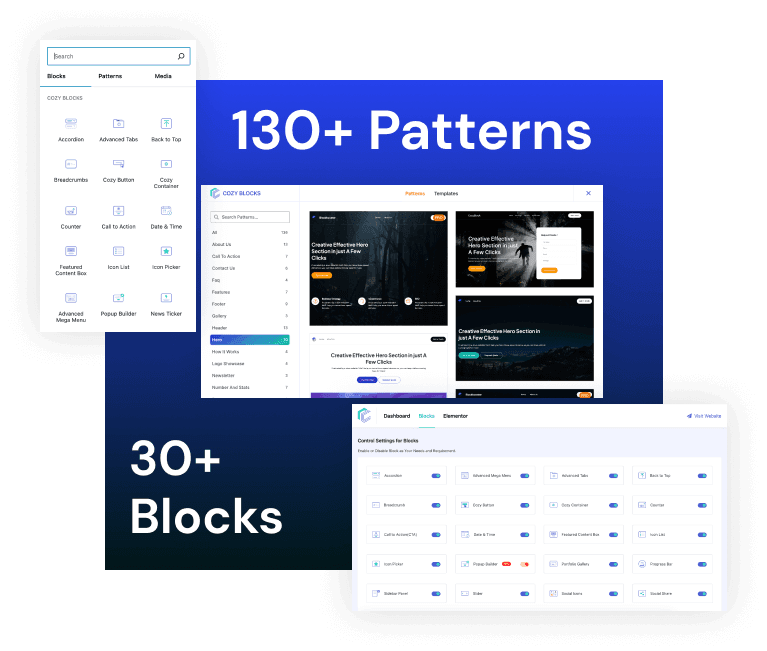
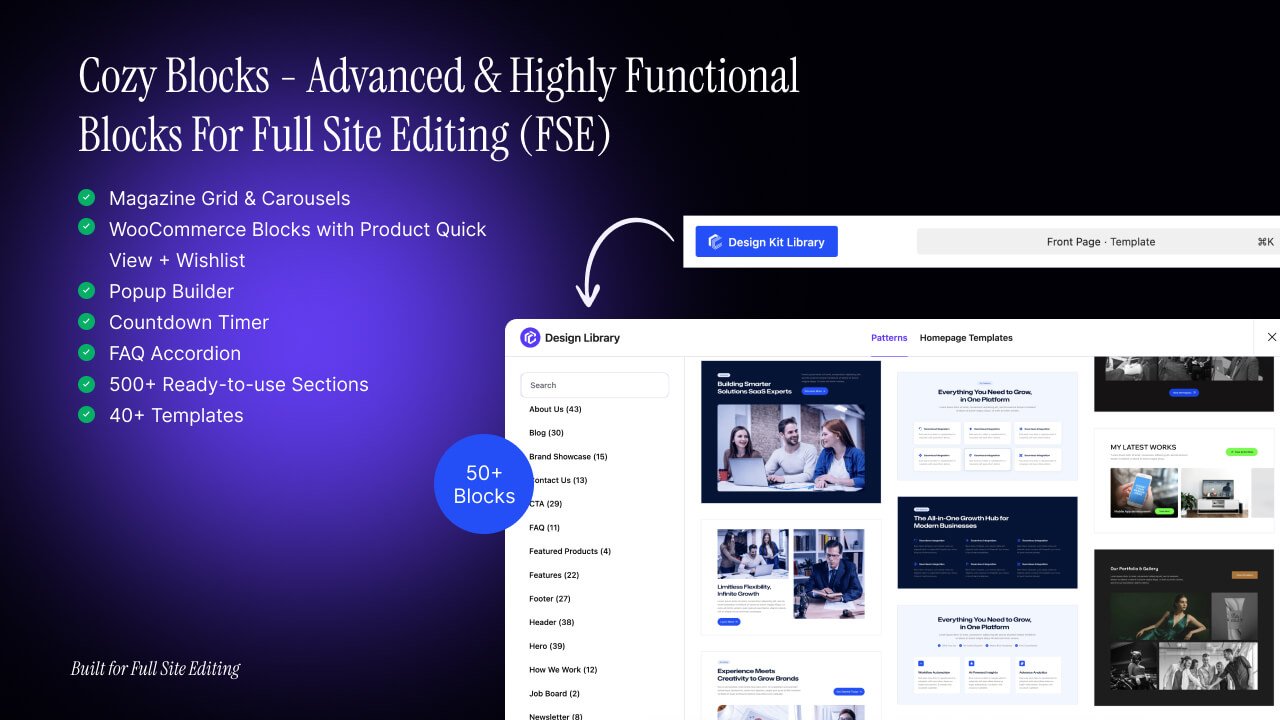
Advance Tabs Block by CozyBlocks is a robust solution for users seeking ultimate design control. It combines advanced styling options with performance optimization, ensuring your tabs look stunning while maintaining fast loading speeds. Ideal for eCommerce and creative websites. You can display your content with the ‘Advance Tab’ block by Cozy Blocks and create amazing horizontal and vertical tabbed sections with modern, sleek designs. Have complete control to arrange and showcase your content in an interactive, user-friendly manner.


- Key Features:
- Complete website building toolkit.
- Advanced styling and layout customization.
- Lifetime updates included.
- Optimized for performance and SEO.
- Easy Setup and Navigation
2. WP Tabs
WP Tabs is an intuitive plugin designed for beginners who want to add professional-looking tabs to their WordPress site without hassle. With its user-friendly interface and fully customizable designs, it integrates seamlessly with any theme. Its lightweight build ensures your site remains fast and responsive.


- Key Features:
- Easy installation and setup.
- Fully customizable designs.
- Compatible with all WordPress themes.
- Lightweight and fast loading.
3. Responsive Tabs
Responsive Tabs is ideal for sites focusing on mobile optimization, ensuring your tabs adapt flawlessly to any screen size. This plugin simplifies the addition of tabs using shortcodes and provides multiple design layouts, making it perfect for beginners and advanced users alike.


- Key Features:
- Responsive and mobile-friendly.
- Easy-to-use shortcode integration.
- Multiple design layouts.
- Seamless compatibility with most themes.
4. Tabs by WPBakery
Tailored for advanced users, Tabs by WPBakery lets you create visually stunning and complex tabbed layouts. Its integration with the WPBakery Page Builder offers unparalleled flexibility, including drag-and-drop capabilities and multimedia content support. Perfect for those who demand creativity and control.
- Key Features:
- Drag-and-drop tab builder.
- Integration with WPBakery Page Builder.
- Highly customizable designs.
- Support for multimedia content.
5. Shortcodes Ultimate
Shortcodes Ultimate is a versatile plugin that offers a library of powerful shortcodes, including options for creating tabs. With built-in styling and mobile-friendly designs, this plugin allows users to enhance their content layout effortlessly, making it a favorite for creative developers.


- Key Features:
- Extensive collection of shortcodes.
- Built-in styling options.
- Responsive and mobile-friendly designs.
- Compatibility with custom post types.
Pricing Comparison
Here’s the pricing table for the order:
| Plugin | Free Version | Premium Pricing | Additional Notes |
|---|---|---|---|
| Advance Tabs Block by CozyBlocks | Yes | $49/year (Pro version, lifetime updates included) | Includes advanced design control and SEO optimization. |
| WP Tabs | Yes | $29/year (Premium version) | Beginner-friendly with customizable designs. |
| Responsive Tabs | Yes | Not Applicable (Primarily Free) | Fully responsive with good documentation. |
| Tabs by WPBakery | No | $59 (Part of WPBakery Page Builder package) | Ideal for advanced users; integrates with WPBakery. |
| Shortcodes Ultimate | Yes | From $35 (Premium add-ons) | Extensive library of shortcodes for various layouts. |
This table provides clear and organized information for users to compare the plugins based on their availability, pricing, and standout features.
Choosing the Right Plugin for Your Needs
Selecting the perfect tab plugin can feel overwhelming, especially with so many options available. Here are some tips to guide your decision:
- For Beginners:
If you’re new to WordPress, opt for an intuitive plugin like WP Tabs or Responsive Tabs. These tools are simple to install and come with pre-designed templates. - For Advanced Users:
For complex layouts and customization, consider Tabs by WPBakery or Oxygen Builder. These plugins offer unmatched flexibility but may require a learning curve. - Based on Website Goals:
If you run a blog, Responsive Tabs can help group related posts for better navigation. For an eCommerce store, Oxygen Builder might be the right choice to create visually stunning layouts.
How to Successfully Implement a WordPress Tab Plugin
Getting started with a WordPress tabs plugin is straightforward. Here’s a step-by-step guide to help you:
Step-by-Step Installation Guide
- Go to your WordPress dashboard.
- Navigate to Plugins > Add New.
- Search for your desired tab plugin.
- Click Install Now, then activate it.
Customizing Your Tabs
After activation, explore the plugin’s settings to personalize your tabs. You can adjust colors, fonts, and layouts to match your site’s branding. Most plugins also offer drag-and-drop builders for effortless design.
Troubleshooting Common Issues
- Ensure shortcodes are correctly placed in your content.
- Clear your site cache to reflect recent changes.
- Check for conflicts with other plugins or themes by disabling them temporarily.
Advanced Techniques and Best Practices
To maximize the potential of your tabs, consider these tips:
Responsive and Mobile-Friendly Tabs
Always test your tabs on multiple devices to ensure they function well. Choose plugins like Responsive Tabs that prioritize mobile optimization.
Integrating Tabs with Other Plugins
Combine tab functionality with sliders, galleries, or eCommerce tools for a dynamic user experience. Be sure to check for compatibility before installation.
Optimizing Tabs for SEO
- Use descriptive tab labels to enhance navigation.
- Optimize tabbed content with keywords to boost visibility in search results.
Conclusion
Tabs are an invaluable feature for improving organization, user engagement, and the overall aesthetic of your website. By using WordPress Tabs Plugins, you can enhance your site’s functionality without overwhelming your visitors.