
👋 Welcome to CozyThemes
Build Your WordPress Website with Confidence.
Follow our step-by-step onboarding guide to install your theme, import a starter template, customize your site, and launch with confidence.
Your Toolkits
The complete toolkit for modern WordPress websites.
Premium themes, advanced Gutenberg blocks, professionally designed templates, and powerful tools — all working together to help you build faster.
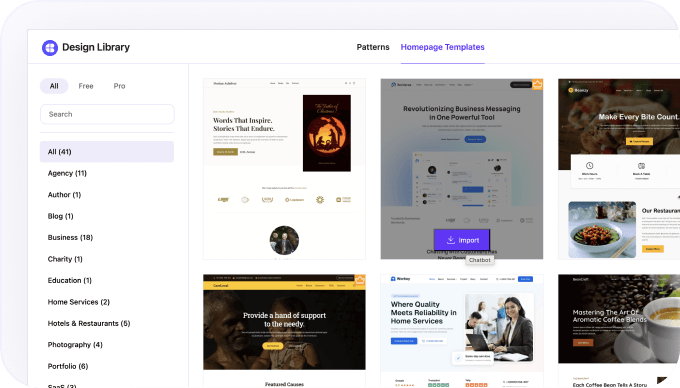
Ready-to-Use Design Library
Skip the Blank Page
Start with 50+ professionally designed templates and 700+ reusable patterns to build beautiful WordPress websites faster — without starting from scratch.
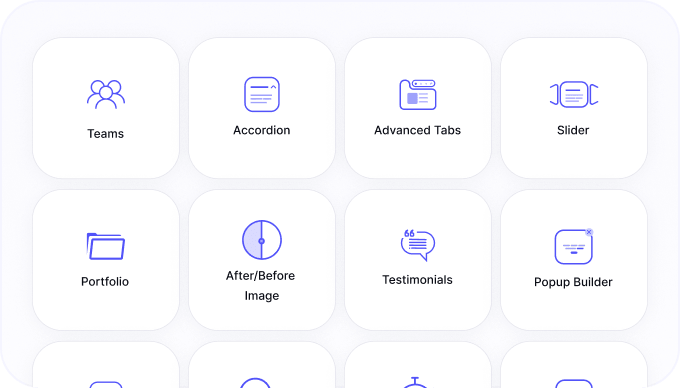
Powered by Cozy Blocks
Go Beyond the Default Site Editor
Unlock advanced Gutenberg blocks and powerful website-building tools that extend WordPress beyond the basics.
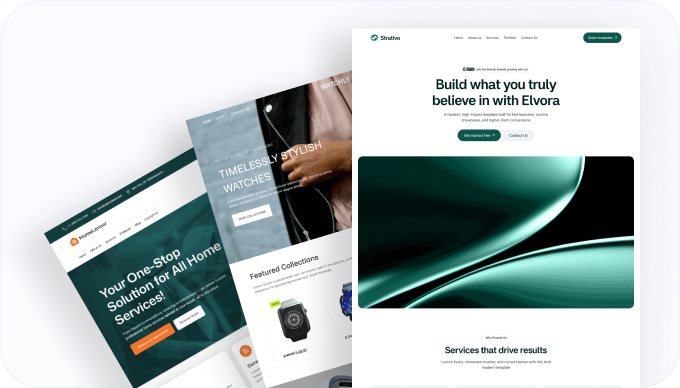
Modern WordPress Themes
Build Any Website with Confidence
Beautifully crafted WordPress themes designed for businesses, stores, blogs, portfolios, local services, and more
Getting Started
Launch your website in three simple steps.
Follow three simple steps to go from installation to a live website.
01
Step 01
Install Theme & Cozy Blocks
Pick your preferred CozyThemes theme, install it alongside Cozy Blocks, and unlock the complete website-building experience.
02
Step 02
Import a Starter Template
Browse professionally designed templates and import the one that best matches your website in just one click.
03
Step 03
Customize & Launch
Personalize colors, typography, layouts and content in the Site Editor, then publish your website with confidence.
Use Cases
Build websites for every industry.
Everything you need to build professional WordPress websites for any industry.

Business & Corporate
Create professional business websites that build credibility, showcase services, and drive growth.
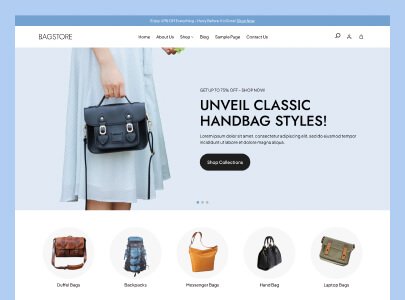
Online Store
Launch modern WooCommerce stores with powerful shopping features designed to increase sales.
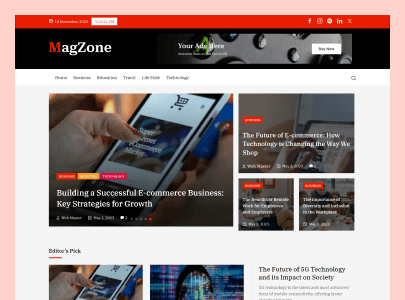
Blog & Magazine
Publish engaging blogs, news portals, and magazines with beautiful content-driven layouts.
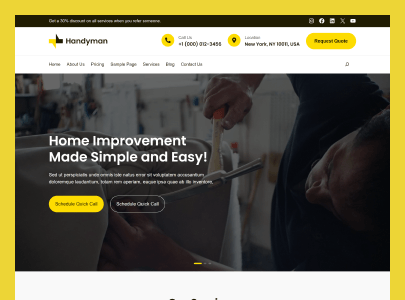
Local Services
Grow your local business with service-focused websites that attract and convert more customers.
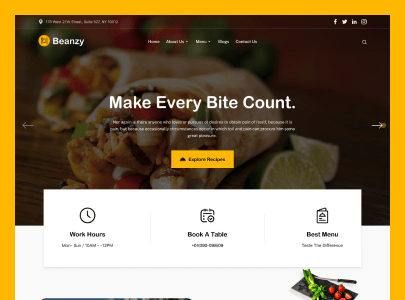
Restaurant & Hospitality
Build inviting restaurant and hospitality websites with menus, reservations, and promotions.
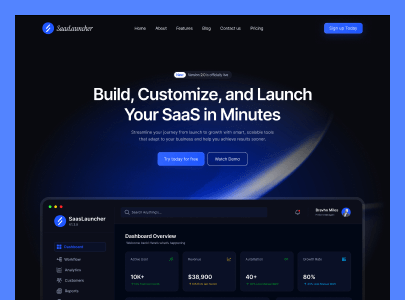
SaaS & Startup
Launch modern SaaS and startup websites that showcase products, features, and generate leads.
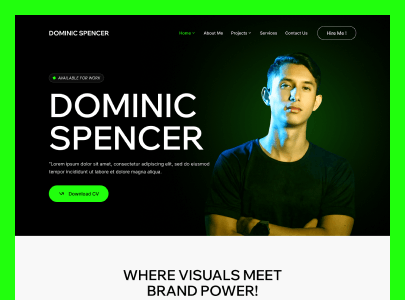
Portfolio & Creative
Showcase your creative work with stunning portfolio websites that leave lasting impressions.
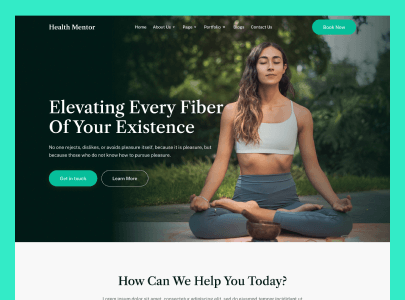
Health & Wellness
Create trusted health and wellness websites that inspire confidence and attract new clients.
Resources
Learn, Build & Get Help
Find documentation, video tutorials, and expert support to help you build with confidence at every step.
Watch the Getting Started Guide

Documentation
Installation, customization, templates, WooCommerce, Site Editor and more.

Video Tutorials
Watch step-by-step tutorials and practical walkthroughs to learn visually.

Support Center
Need help? Our support team is here whenever you need assistance.
FAQ
Have questions? We’ve got the answers.
Find answers to common questions about setup, customization, templates, and getting started with CozyThemes.
To get started, you’ll need a self-hosted WordPress website, a compatible block theme, and the Cozy Blocks plugin. Once installed, you can import templates, customize layouts, and publish your website visually without coding.
Install your preferred CozyThemes block theme from Appearance → Themes, then install and activate the Cozy Blocks plugin from Plugins → Add New. After activation, you’re ready to import templates and start building.
Simply choose a homepage template or pattern from the Cozy Blocks library and import it with a few clicks. You can then customize every section using the WordPress Site Editor.
No. CozyThemes products are built for the native WordPress Block Editor (Gutenberg), allowing you to create professional websites visually without writing HTML, CSS, or PHP.
Yes. You can customize headers, footers, layouts, colors, typography, templates, patterns, and every page section using WordPress’s visual editing experience.
We provide detailed documentation, step-by-step guides, video tutorials, and a dedicated support center to help you build your website with confidence.
If you have questions or need help, our support team is here to assist. Pro members receive priority support, while free users can access documentation and community resources.

Build faster.
Design better.
Stay native.
Build a professional website in three simple steps — install, import, and launch.