
Monocle
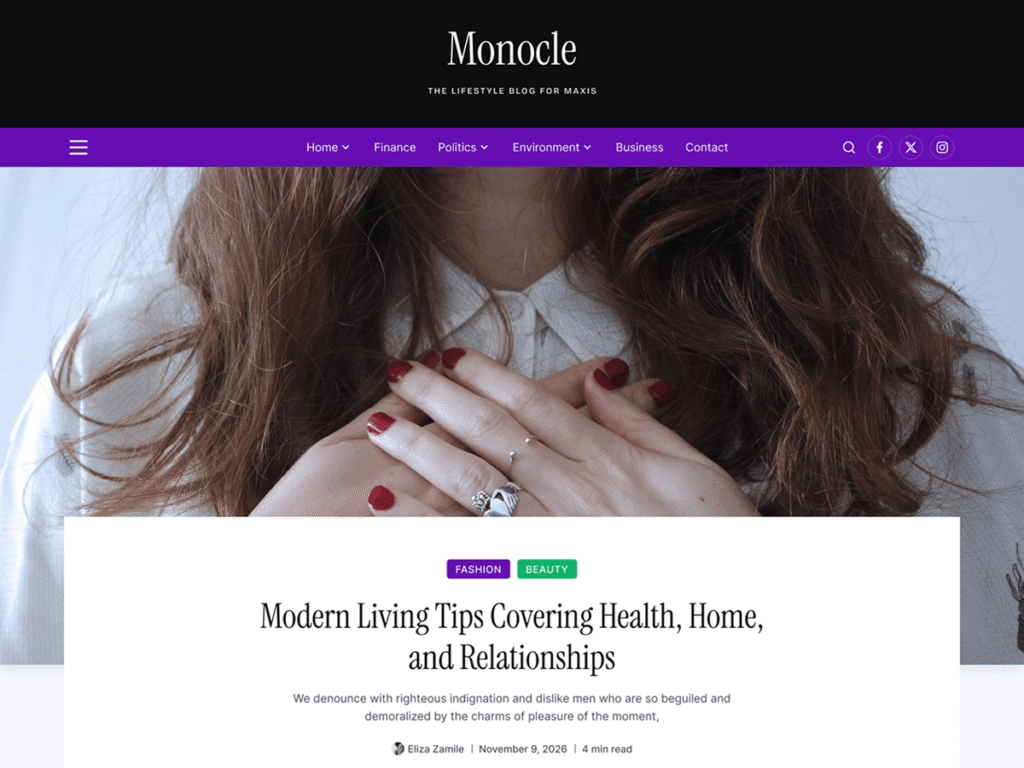
Monocle is a modern and easy to use WordPress block theme crafted for fashion, lifestyle, beauty, and magazine websites. Built with Full Site Editing (FSE), it offers complete design flexibility, responsive layouts, and elegant typography to help you create a visually captivating publication. Whether you’re showcasing the latest trends, sharing inspiring stories, or building an editorial-style blog, Monocle provides a seamless and engaging reading experience that keeps your content at the center of attention.
Compare Free & Pro Features
See what’s included in the free version and discover the premium features that help you create a more engaging, professional blog.
Features
Free
Pro
- Beautiful Homepage Template
- Blog Archive Layout
- Single Post Layout
- Header Layout
- Footer Layout
- Color Styles
- Advanced Typography
- Post Time
- Post Read Time
- Post Grid/Carousel
- Basic
- Advanced
- Advertisement Block
- Basic
- Advanced
- Post Slider
- Related Post
- Popular Post
- News Ticker
- Trending Post
- Advanced Categories
- Categories Post Tabs
- Featured Post Tabs
- Featrued Post
- Magazine Grid
- Magazine List
- Post Comment Count
- Post Views
- 50+ Pre-built Advanced Blog/Magazine Sections (Banner, Slider, Carousel, Grid, list, Tab Contents, News Ticker, Featured Sections and more)
Getting Started
Everything you need to install, customize, and launch your website.
Install Monocle directly from your WordPress dashboard in just a few simple steps.
Go to:
Appearance → Themes → Add New Theme → Search “Monocle” →Install → Activate
Install the Cozy Blocks plugin to access starter templates, ready-made sections, advanced blocks, and additional customization.
Go to:
Plugins → Add New → Search “Cozy Blocks” → Install → Activate
Import professionally designed starter templates to launch your website in just a few clicks.
Importing Starter Templates & Sections:
- Go to: Appearance → Editor
- Click: Patterns > Templates / Sections
- Browse: Choose a Template / Section
- Click: Import
- Save
Importing Additional Starter Templates & Sections:
- Go to: Appearance → Editor
- Click: Design Kit Library
- Browse: Choose a Template / Section
- Click: Import
- Save
Customize your website with the WordPress Site Editor to match your brand and content.
Customizing Your Website
- Go to: Appearance → Editor
- Browse: Open the page or template you want to edit
- Click: Edit Any Section or Block
- Customize: Colors, Typography, Layout & Content
- Click: Save