


Looking for a Gutenberg-friendly WordPress membership plugin? Look no further!
There are hundreds of WordPress membership and subscription plugins available in the WordPress ecosystem. But here’s the catch. Not every membership plugin works with Gutenberg.
Although there are many membership tools claiming to be Gutenberg compatible, their experience varies too much. Some integrate smoothly with the block editor. Others rely too much on shortcodes, additional plugins or complicated workarounds to create protected content.
And with so many options available, finding the right plugin can quickly become confusing. Plus, no one wants to spend hours testing different membership plugins only to discover that your chosen solution doesn’t fit your Gutenberg workflow.
Thus we did the research for you. We compared popular WordPress membership plugins. No matter whether you’re building a paid community, subscription website, online course, or members only content site, here are the top WordPress membership plugins compatible with Gutenberg blocks.
Quick Look: Top Gutenberg-Friendly Membership Plugins for WordPress
In a hurry? No worries! Here are the best WordPress membership plugins compared at a glance.
| Rank | Plugin | Gutenberg Integration | Best For | Free Version | Starting Price |
| 🥇 | ARMember | Native Blocks | All-in-one membership sites | Yes | $89/year |
| 🥈 | WooCommerce Memberships | Native Blocks | WooCommerce stores | No | $199/year |
| 🥉 | Wishlist Member | Block-Level Controls | Advanced content restriction | No | $149.50/year |
| 4 | s2Member | Shortcode-Based | Developers & advanced users | Yes | $89 one-time |
| 5 | ProfilePress | Block-Level Controls | Memberships & user profiles | Yes | $129/year |
| 6 | AccessAlly | Native Blocks | Courses & communities | No | $2,999/year |
| 7 | Simple Membership | Shortcode-Based | Simple membership sites | Yes | Free |
How We Compare WordPress Membership Plugins for Gutenberg
When comparing WordPress membership plugins for the Gutenberg block editor, our team of experts had to look from every single perspective.
We evaluated plugins by staging environments by creating multi-tier access rules, running mock payments, and verifying workflows on a new WordPress site.
Thus these are the things we’ve kept in mind when shortlisting the best WordPress membership plugin that are Gutenberg compatible:
- Gutenberg/Block Integration: Can you lock individual blocks or entire sections natively inside the block editor with ease? If yes, that’s a green sign.
- Content Restriction: When we tested the plugins, we ensured it actually protects your whole post types, categories and elements.
- The Plugin Stack Problem: Does it handle billing and access in one place, or force you to glue separate eCommerce and affiliate tools together? Based on this, we’ve changed our ranking of all membership plugins.
- Setup Speed: The faster and easily you can set a working protected page from scratch, the better.
Now below are the top 7 Gutenberg-friendly and modern membership plugins for WordPress.
7 Best WordPress Membership Plugins Compatible With Gutenberg Blocks
ARMember
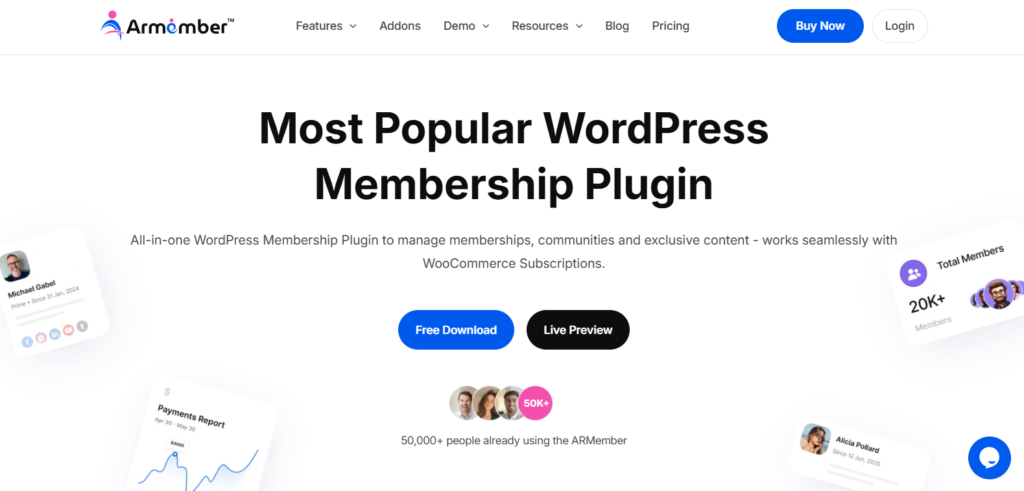
ARMember is one of the most trusted membership plugins here. We first encountered it on a client project that required a robust membership site built over their existing Gutenberg site. It means our job was to turn their existing WordPress-based business site into a complete membership site.
ARMember impressed us right away with its SaaS-like modern user interface and 62+ in-built addons. Creating membership plans, setting up drip content schedules, restricting exclusive content and integrating payment gateways was a breeze. The plugin lets you restrict any area of your area based on membership levels, and the online courses and the digital downloads features truly stole the spotlight.
The only downside we felt is its rich feature set is an overkill for products too small, and those who are looking for a complete 100% free plugin (Although ARMember does offer a free Lite version).
Features:
- Locks specific blocks natively inside WordPress block editor
- Content dripping for any content, be it video, audio, course, or blog
- 22+ payment gateways for secure transactions
- Built-in form builder to create membership forms
- Member directories, badges and social login
- Automatic notifications via Email, WhatsApp, and SMS
- Social Community features along with gamification elements
Pros:
- Performance friendly
- SaaS-like modern interface
- All-in-one membership solution
- Easy to setup
Cons:
- Sheer volume of features maybe too much for beginners
- Needs pro version to get advanced features
ARMember Pricing:
- Free version available
- The Pro plan starts from $89/Year.
WooCommerce Memberships
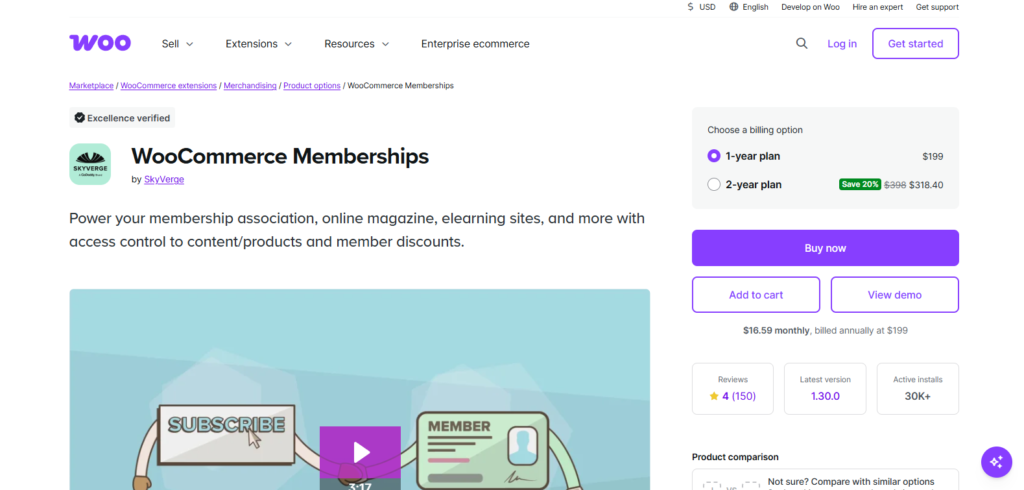
Those who don’t know, WooCommerce Memberships is an extension, not plugin, that turns your store into a membership site. It directly ties access levels to product purchases. We’ve tried using it before ARMember got a WooCommerce project, and it did deliver what it promised.
If you have a WooCommerce store, the setup will take no more than 20 minutes. Plus, it includes native blocks like the “Member Content” block, letting you wrap exclusive text, videos, or downloads so only active members can view them.
However, the reason we ranked it 2nd is because of its high cost and heavy performance. It literally affected the speed of our client’s website and our staged WooCommerce site as well. Apart from this, you need separate paid addons like WooCommerce Subscription for recurring billing which makes it expensive.
Features:
- Product linked memberships
- content dripping
- Member-only discount
- Member directories
- Automatic notifications via Email
- Gutenberg and Shortcode Integration
- Easily to restrict content
Pros:
- Official WooCommerce extension
- No extra gateway fees
- Powerful dripping tools
Cons:
- Too much expensive for simple blog sites or beginners
- Steep learning curve
WooCommerce Memberships Pricing:
- No free version available
- The premium plan starts from $199/year.
WishList Member
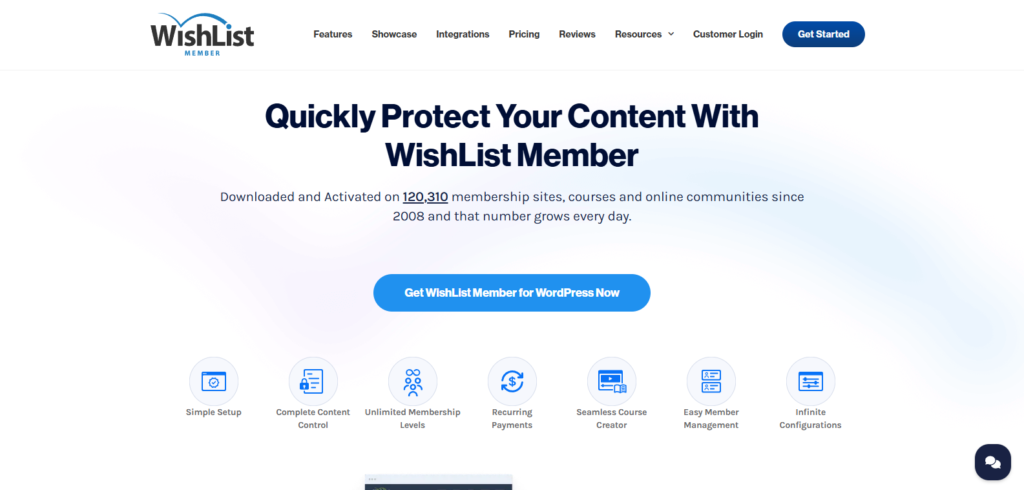
WishList Member is one of the most powerful membership plugins for WordPress block editor (Gutenberg). Although plugins like ARMember offer excellent standalone features, Wishlist Member shines by turning Gutenberg into a surgical tool for content monetization.
We appreciate Wishlist Member’s Block level access control. It nests directly into the WordPress editor block settings panel so, no need to lock down an entire page or rely on messy shortcodes.
That said, it protects Gutenberg blocks perfectly but doesn’t give you custom style blocks like stylized login form or custom profile builders. You can only rely on standard WordPress blocks or third party tools for that. Plus, its native member self-service is also weak with the front-end being clunky.
Features:
- Gutenberg native block controls
- CourseCure LMS integration
- Unlimited membership levels
- Pay-per-post and single blog sale
- Flexible content dripping
- 20+ payment gateways
- Integrates with many popular marketing tools and CRM
Pros:
- Flawless Gutenberg workflow
- Advanced content protection
- Supports 50+ email tools
Cons:
- No free tier
- Lacks native advanced analytics
- Steep learning curve
WishList Member Pricing:
- $149.50/Year for first year. The renewal plans starts from $299/year.
s2Member
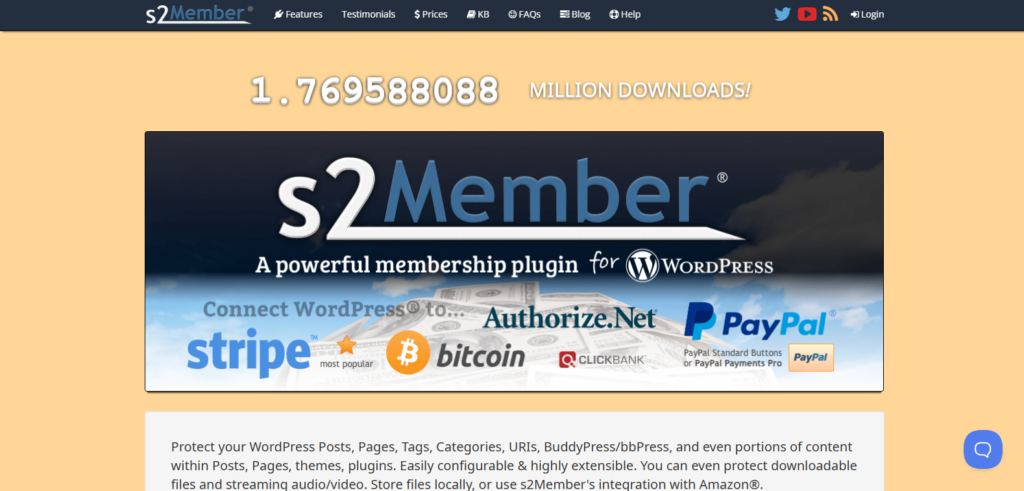
s2Member is one of the oldest and most flexible membership plugins for WordPress. We first looked at it because it takes a very different approach compared to modern membership plugins. Instead of relying heavily on visual interfaces, s2Member gives you granular control over membership levels, content protection, custom capabilities and payment options.
What we like about s2Member is how much control it gives you over protected content. You can protect posts, pages, categories, tags, custom post types, URLs, downloadable files and even specific areas of content.
However, s2Member is not the most Gutenberg-friendly plugin on this list. It is powered almost entirely by shortcodes. Thus creating a modern Gutenberg workflow can feel less natural compared to plugins that provide dedicated block level controls.
Features:
- Protect posts, pages, categories, tags and custom post types.
- Protect downloadable files and audio/video content.
- Custom capabilities for granular access control.
- Recurring and non-recurring subscriptions.
- Stripe, PayPal, Authorize.Net and ClickBank integrations.
- Unlimited membership levels with the Pro version.
- BuddyPress and bbPress support.
Pros:
- flexible content protection
- Supports recurring and one time payments
- Excellent for developers and advanced users
Cons:
- Not the easiest Gutenberg workflow.
- Interfaces can feel outdated.
- Steeper learning curve for beginners.
s2Member Pricing:
- Framework: Free
- The Pro plan starts from $89 one-time.
ProfilePress
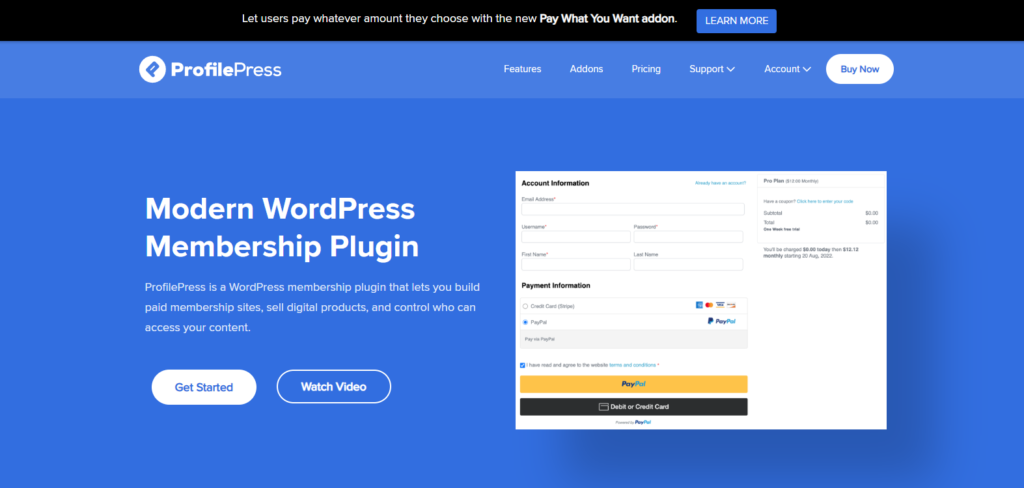
If you’re kooking for a modern WordPress membership plugin with poweful on user registration, profiles, content restriction and membership payments features, then ProfilePress is the one.
We first looked at ProfilePress for its content protection capabilities and found that it fits nicely into WordPress websites that need more control over members and user accounts. Apart from this, you can click on any native Gutenberg block (a paragraph, a video container, a column) and restrict its visibility right from the right-hand sidebar menu with ease.
But, if your site or project needs a complex, multi-stage admin approval system for new users before they can pay, ProfilePress also needs extra add-on configurations. Furthermore, if you manage more than one site, the cost can easily scale up to $499/year.
Features:
- Content protection rules..
- Membership plans and subscriptions.
- Custom registration and login forms.
- Frontend member profiles and account pages.
- WooCommerce integration.
- Email marketing integrations.
- Social login and two factor authentication.
Pros:
- Modern user interface.
- Powerful content restriction rules.
- Strong user profile and registration tools.
- Good performance.
Cons:
- Advanced features need paid plans.
- Can become expensive as you need more features.
ProfilePress Pricing:
- Free version available
- The premium plan starts from $129/year.
AccessAlly
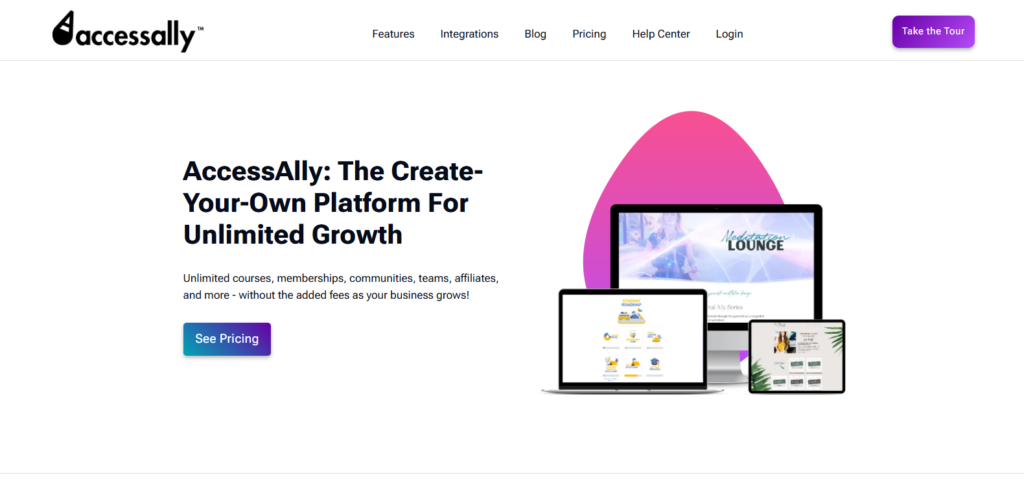
Before AccessAlly, we thought WooCommerce Membership was the most expensive membership plugin. Yet this proved us wrong.
AccessAlly is more than just a WordPress membership plugin. It combines membership management, online courses, community features, affiliate management and recurring subscriptions into one platform. When paired with the native WordPress Gutenberg block editor, it shifts from a traditional backend permission tool into a highly visual, dynamic personalization engine. It comes with a built-in block editor widget that allows you to drop in highly personalized user metrics.
However, AccessAlly is definitely not for everyone. Its extensive feature set and high pricing can be too much for a simple membership blog or a small website. To be honest, that’s even expensive for an enterprise-level website, and simply a waste of money when you can get the same features and better member experience from plugins like ARMember and ProfilePress.
Features:
- Built-in Gutenberg blocks
- Membership and course management
- Built-in LMS
- Recurring subscriptions and payment plans
- One-time payments and free trials
- Community and group management
- Affiliate management
- Stripe and PayPal payments
- Gamification and quizzes
Pros:
- Powerful all-in-one platform
- Native Gutenberg integration
- Excellent for online courses
- Flexible payment and subscription options
- No transaction fees
Cons:
- Very expensive compared to most WordPress membership plugins
- Overwhelming for beginners
- More features than simple membership sites usually need
AccessAlly Pricing:
- No free version
- The paid plan starts from $2999 per year.
Simple Membership
Simple Membership is a plugin we’ve used on several small and medium sites. As its name says, it’s popular because of being completely free, and also it focuses on keeping the membership setup simple.
We were awestruck by how simple the Simple Membership is. You can create unlimited membership access levels, protect posts and pages, manage members from the WordPress dashboard and offer both one-time and recurring membership payments. It also works with existing WordPress themes, so you don’t need to redesign your website around the plugin.
But here’s the downside: Its core workflow relies heavily on shortcodes for login, registration, profile and other member functionality. Thus it doesn’t offer the same native block level membership experience as ARMember and Wishlist Member. But if you want a free membership WordPress plugin, then just go for it.
Features:
- Unlimited membership levels.
- Content protection for posts and pages.
- Free and paid memberships.
- One-time and recurring payments.
- Member management.
- PayPal integration for online payment.
- WooCommerce integration through an addon.
Pros:
- Completely free core plugin.
- Easy to set up.
- Lightweight membership solution.
Cons:
- Limited advanced features.
- Heavy reliance on shortcodes.
- Advanced functionality needs paid addons.
- Not the best fit for complex Gutenberg workflows.
Simple Membership Pricing:
- Free plugin available
- The premium addons are available separately.
Final Verdict : Which Gutenberg Membership Plugin Should You Choose?
In a nutshell, these are all the best WordPress membership plugins which are compatible with Gutenberg page builder.
Still confused which one to pick for your agency or business? We’d recommend ARMember. It’s the best all-around WordPress membership plugin for most businesses because it is beginner friendly, works smoothly with Gutenberg, supports paid subscriptions, courses and content gating and integrates with tools like Stripe, PayPal, and 15+ email marketing platforms.
Thus stop overthinking, and start exploring the best WordPress membership plugins!
FAQs
Yes, of course! There are many free WordPress subscription plugins such as ARMember Lite, S2Member and Simple Membership.
ARMember is the best membership plugin for WordPress due its user friendliness and 62+ in-built addons.
Yes, indeed. Many membership plugins such as ARMember do provide custom Gutenberg blocks.
The membership plugins that support Gutenberg blocks are ARMember, WooCommerce Memberships, WishList Member and S2Member.
Leave a Reply